
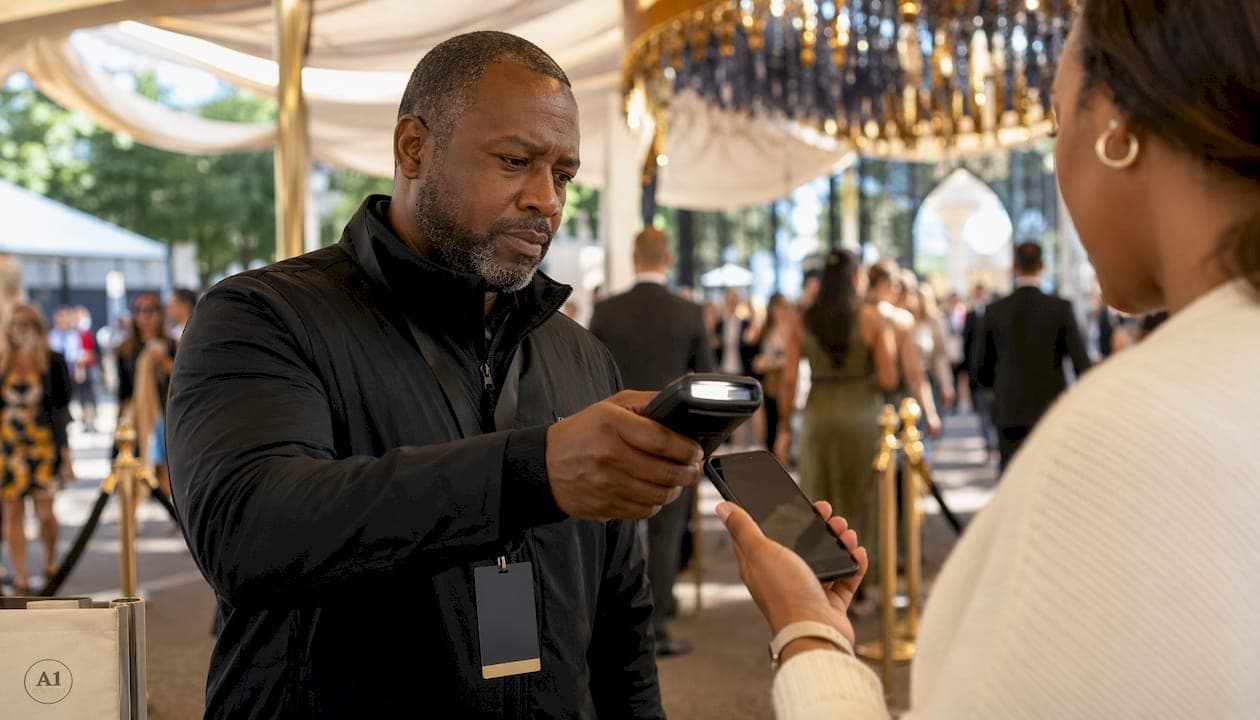
Your ticket verification methods checklist at a glance
Ticket authenticity depends more on the verification process and source platform than on the ticket's physical appearance alone. For VIP and sold-out events, the following checklist covers every critical check.
Digital scanner states to know:
- Valid: first scan accepted; ticket is legitimate and unused
- Invalid: no match found in the event database; ticket is unrecognised
- Duplicate: the barcode has already been scanned; a second attempt is rejected
- Expired: ticket is for a different date or event; entry is denied
Source and delivery platform:
- Confirm the ticket originates from the event's official ticketing platform; mismatched delivery formats are a primary fraud indicator
- Official in-app transfers are the benchmark for secondary market legitimacy; PDFs and screenshots are frequently rejected at VIP entrances
- Avoid speculative listings where the seller does not yet hold the ticket
Physical security features (paper tickets):
- Inspect holograms, watermarks, and embossing; sharp printing and consistent event details indicate authenticity
- Check that font, layout, and branding match official materials exactly
Purchaser identity and transfer rules:
- Verify that the name on the ticket matches the buyer's ID where the event requires it
- Confirm the transfer method complies with the venue's stated rules
Cross-check ticket details:
- Match date, time, seat number, and venue against the official event database before travel
Verification timing:
- Confirm ticket validity immediately after purchase, then recheck shortly before the event
- For Premier League or Formula 1 hospitality, verify again on the morning of the event
Suspicious or counterfeit tickets:
- Treat any ticket delivered as a screenshot or static image with caution; dynamic barcodes invalidate static duplications immediately
- If a seller's explanation is vague or inconsistent, do not proceed
Biometric verification: increasingly used at premium venues as an additional identity layer (covered in full below).
Table of Contents
- How to interpret digital scanning states correctly
- How biometric verification is used at premium events
- Key takeaways
- FAQ
How to interpret digital scanning states correctly
Digital ticketing relies on four real-time scanner states: Valid, Invalid, Duplicate, and Expired. Each state requires a specific response from gate staff.
Dynamic QR codes refresh every 15–60 seconds as an anti-fraud measure. A screenshot taken even moments earlier may already be void. Staff should never accept a static image as proof of a live ticket.
Practical scanning steps:
- Confirm scanning hardware is synced with the event's official database and that backup connectivity is available at the gate
- Train staff to distinguish between Invalid (unrecognised ticket) and Duplicate (already used) before the event opens
- For an Invalid result, direct the holder to the box office rather than denying entry outright
- For a Duplicate result, hold the second presenter and request ID immediately
- Trained gate staff should have a documented backup plan for connectivity failures, such as pre-downloaded attendee lists
Box office queries worth asking in advance:
- Does this event use mobile-only entry or are PDFs accepted?
- Which app or platform handles transfers for this event?
- Are screenshots accepted at the gate?
Venue box offices typically cannot fully validate third-party or resale tickets in advance, but they can confirm entry formats and transfer policies. Use that information to assess whether a seller's explanation is consistent with official procedure.
How biometric verification is used at premium events
Biometric verification links a ticket to a specific individual using physical identity data, most commonly facial recognition or fingerprint scanning. At premium venues, this removes the risk of a valid ticket being used by someone other than the registered holder.
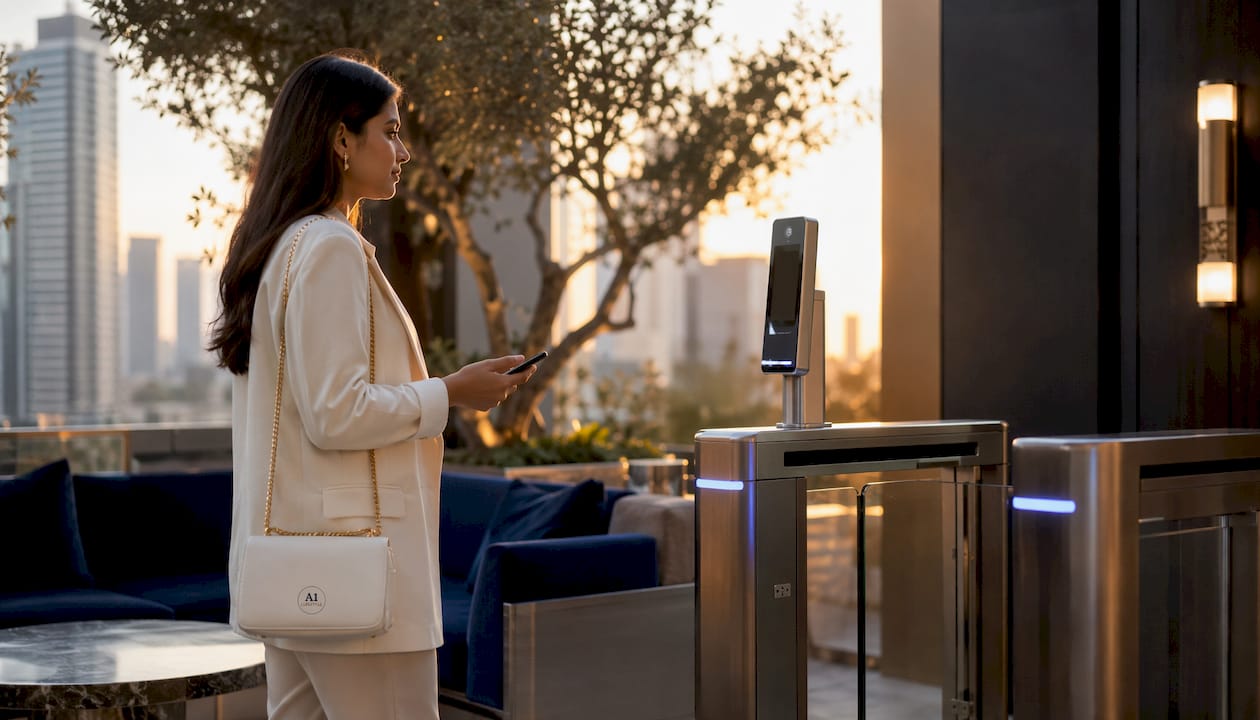
Facial recognition gates are now operational at several major UK venues and stadiums. The process works by registering the ticket holder's biometric data at the point of purchase or registration, then matching it at the entry gate in real time. A ticket that passes a QR scan but fails a biometric check is denied entry.
For VIP clients, biometric integration means identity verification is built into the entry process rather than relying solely on ID checks by staff. It also removes the risk of ticket transfer to an unauthorised person. Where a venue uses biometric gates, clients should complete registration through the official app well before event day.
Key takeaways
Ticket authenticity at VIP events depends on source, delivery method, dynamic QR validation, and identity verification working together.
| Point | Details |
|---|---|
| Dynamic QR codes refresh | Codes update every 15–60 seconds; screenshots are not valid substitutes. |
| Official in-app transfer | The benchmark for secondary market tickets; PDFs and screenshots are frequently rejected. |
| Scanner states matter | Valid, Invalid, Duplicate, and Expired each require a different staff response. |
| Box office has limits | Venues confirm entry formats but cannot validate third-party tickets in advance. |
| Biometric verification | Facial recognition gates link tickets to registered holders, preventing unauthorised entry. |
FAQ
What are the four digital ticket scanner states?
Valid, Invalid, Duplicate, and Expired. Each indicates a different outcome: Valid confirms legitimate first use; Duplicate flags a reused barcode; Invalid means no database match; Expired means the ticket is for a different date or event.
Why are screenshots not accepted at VIP events?
Dynamic QR codes refresh every 15–60 seconds, making static images void almost immediately. Screenshots can also be duplicated and shared, which is why official in-app transfers are the accepted standard.
What should you ask the box office before an event?
Ask whether the event uses mobile-only entry, which platform handles transfers, and whether PDFs are accepted. Box offices can confirm entry formats but cannot validate specific third-party tickets in advance.
How does biometric verification work at entry gates?
The ticket holder's biometric data is registered at purchase or via the official app, then matched at the gate using facial recognition. A ticket that passes the QR scan but fails the biometric check is denied entry.
When should ticket verification be completed?
Verify immediately after purchase, then recheck shortly before the event, and once more on the morning of the event, particularly for high-profile occasions such as Premier League matches or Formula 1 hospitality.